
Supercharge your learning with Codemm.
Your agent writes the learning path. Codemm grades you.
How it works
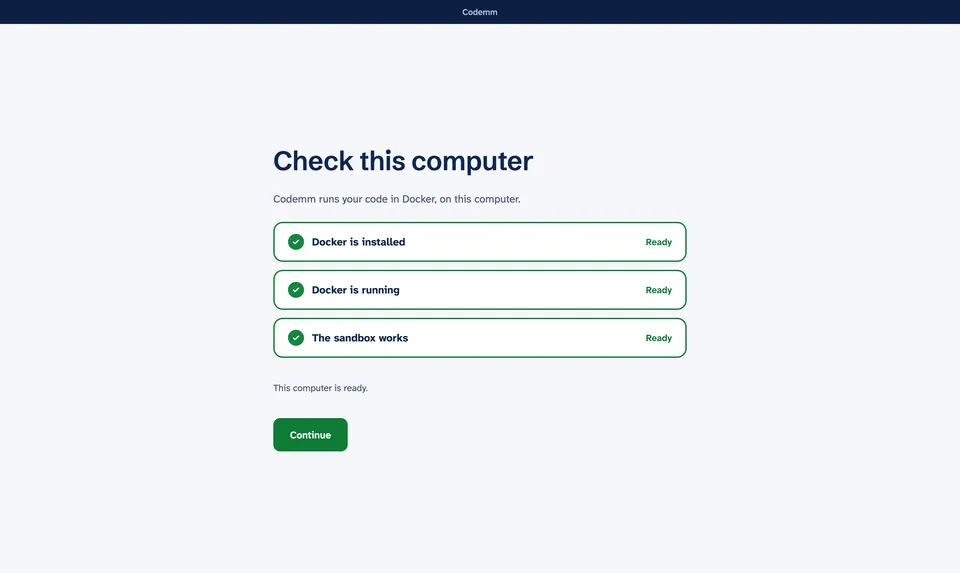
Connect your agent.
Codemm checks this computer first: Docker installed, running, and the sandbox working.
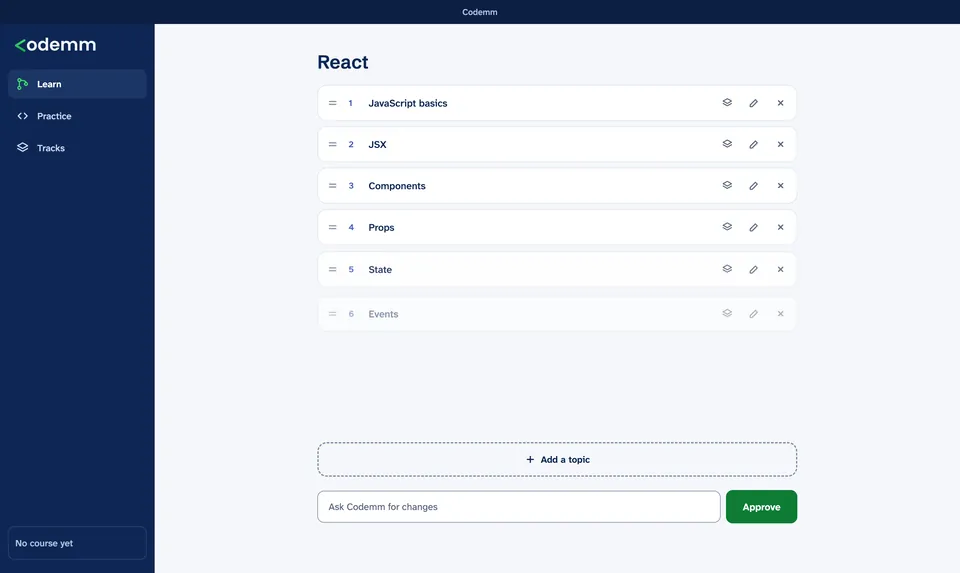
Say what you want to learn.
Any language or framework. Your agent drafts a roadmap. Rename, reorder, add or remove topics, then approve it.
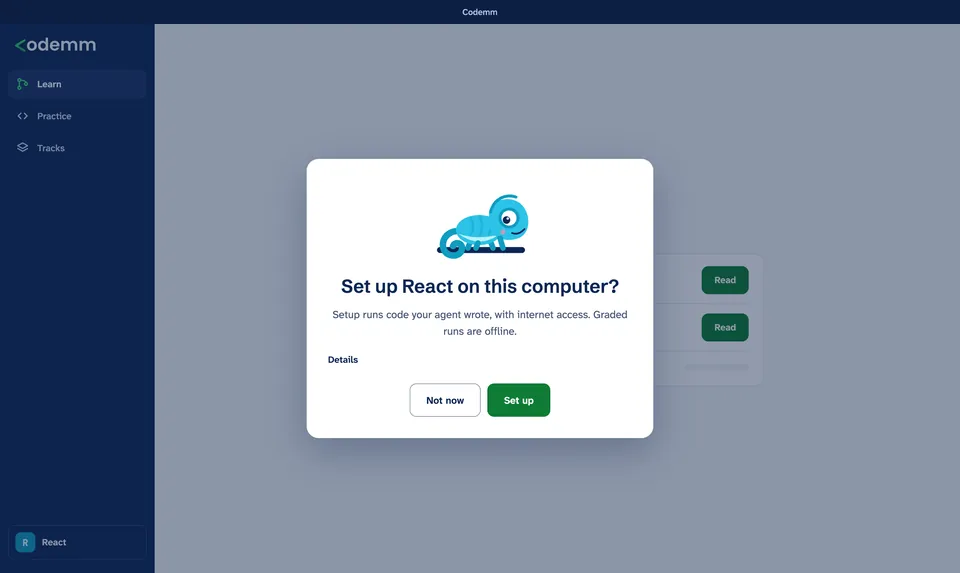
Agree to setup once.
Your agent proposes the environment for the language. Codemm shows you the files and builds exactly those, only after you agree.
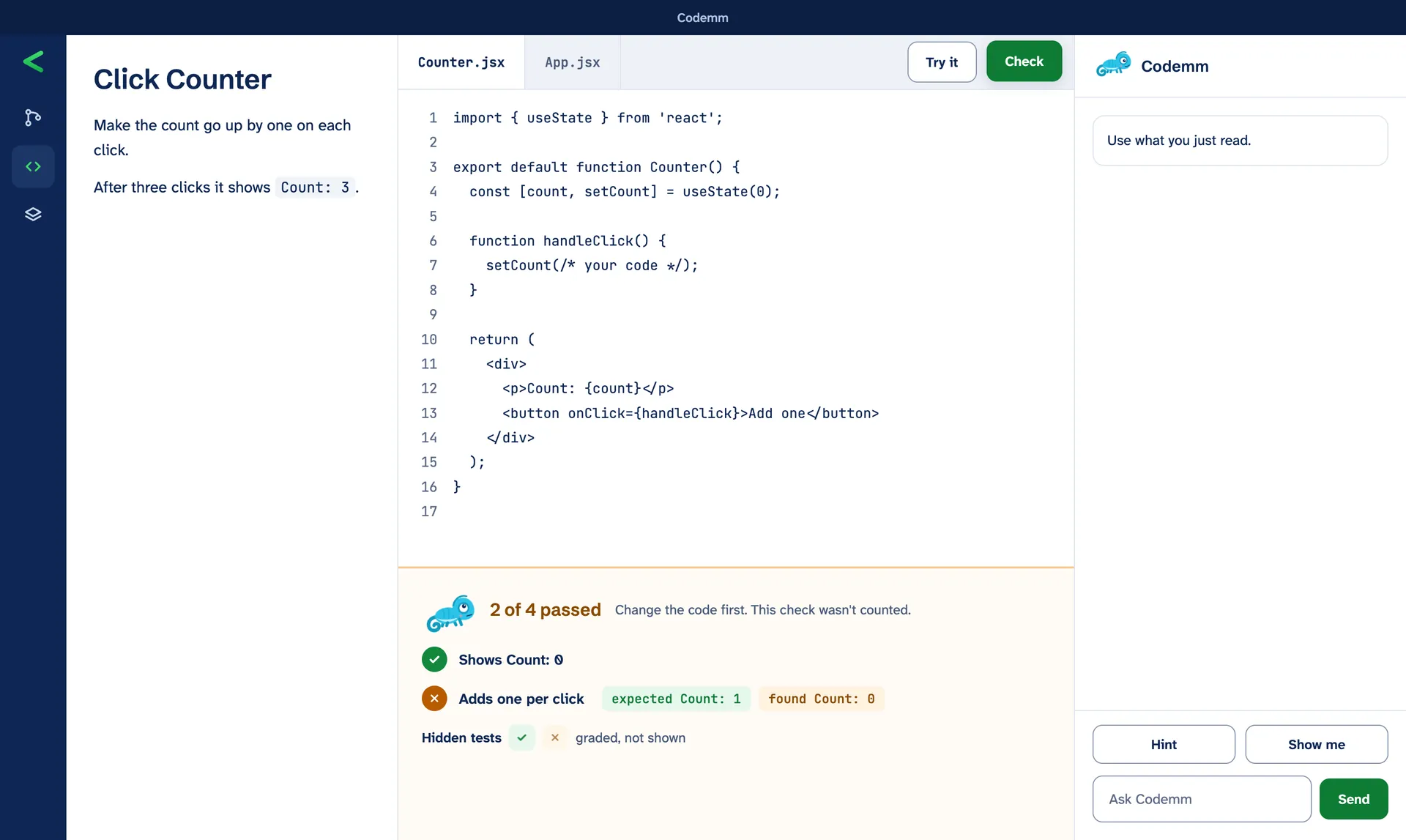
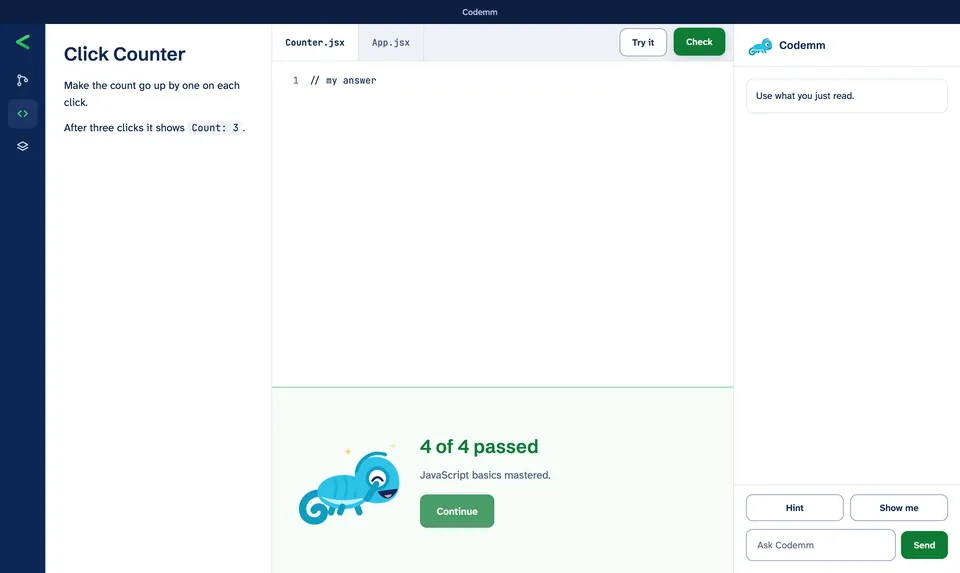
Practice, then check.
Read the lesson, write the code, and use Try it for the visible tests. Check grades every test and tracks what you've mastered.
More in Codemm
- Research you can follow, with sources
- Lessons with runnable examples
- A real terminal for your code
- Reviews at 1, 3, 7, 21 and 60 days
- Roadmaps as deep as you want
Every exercise is checked before you see it.
- The reference solution passes.
- The starter code fails.
- The tests reject the incorrect versions your agent wrote.
Your code is graded in a sandbox, with the network off.
What you need
The app includes everything else. No Node.js, npm or terminal.
-
A Mac or a Windows PC
macOS on Apple Silicon or Intel, or Windows 11 (x64).
-
Docker Desktop
Codemm installs it for you if it's missing. No admin rights, as on many school computers? You can still practice programs that read input and print output, in languages like Python.
-
A coding agent
Claude Code, Codex or Cursor, signed in with your own account. You choose the model.

Start learning with Codemm.
Codemm launches your agent, with your own account and the model you choose. It never calls a model API, and never reads, stores or asks for your credentials.
Opening Codemm the first time
These builds aren't signed yet, so the first launch takes one extra step.
- Mac
- Open Codemm once, then choose System Settings, Privacy & Security, Open Anyway.
- Windows
- In the SmartScreen prompt, choose More info, then Run anyway.